SEO starts before the first page goes live. A beautiful site with no page purpose, broken discovery paths, or vague titles gives search engines very little to work with.
The good news: a new website does not need a giant SEO campaign. It needs a small set of decisions made in the right order.
1. Give every important page a distinct job
Write down the question each page answers and the action a visitor should take next. A service page should explain the service, who it helps, proof, scope, and a way to enquire. An article should solve a specific problem and point to the next useful resource.
Do this while you plan your first website. If two planned pages answer the same question for the same audience, combine them or explain the difference. Publishing two thin near-duplicates just because you have two keyword phrases rarely helps a reader.
Use the visitor's language in the title and main heading. Google's SEO Starter Guide recommends descriptive titles and useful, organized content. It does not prescribe a magic keyword density. Write a title that someone can recognize in a search result, then make the page deliver on it.
2. Make the page discoverable
Give each important page a permanent, readable URL. Link to it from a relevant hub, category, or sibling article. Publish an XML sitemap and submit it in Google Search Console. Then inspect a few representative URLs instead of assuming that publication means indexing.
In the HTTP Archive's 2025 SEO analysis, 85% of requests for robots.txt returned a 200 response. That number sounds reassuring, but the report explicitly warns that a successful response says nothing about whether the rules are correct. Check your actual directives. A stray noindex, blocked folder, or canonical pointing at the wrong page can undo otherwise good work.
The same study found a canonical link in the raw HTML of about 64% of desktop pages. A canonical is a hint about the preferred URL, especially useful when tracking parameters or product variants create duplicates. It is not a substitute for sensible internal linking and redirects.
3. Connect pages around real questions
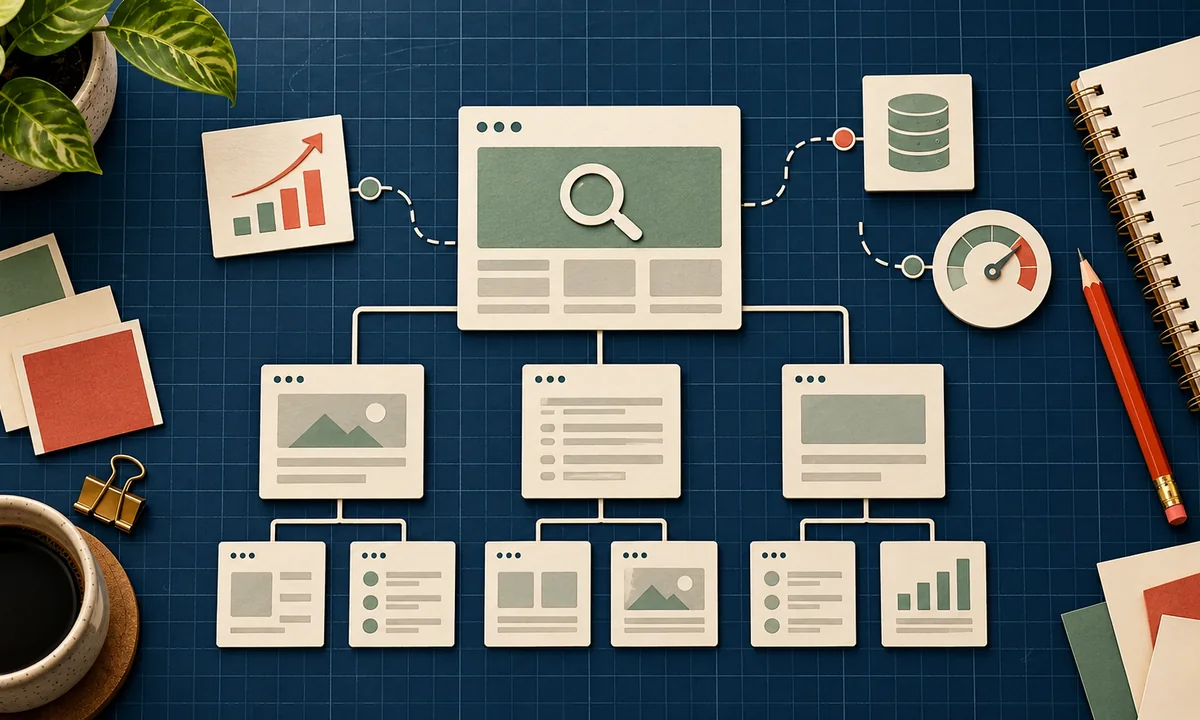
An internal link should help a reader make the next decision. From a website planning article, link to navigation design. From a WordPress setup guide, link to WordPress content planning. From a product page, link to delivery or returns information.
Use descriptive link text. “See our technical SEO review” tells readers more than “click here.” Make sure every page you care about can be reached through normal links, not only through a search box or a JavaScript interaction. This creates a useful trail for people and crawlers alike.
4. Set a mobile performance baseline
Speed is part of usability. HTTP Archive found that only 48% of mobile websites in its 2025 dataset met all three Core Web Vitals thresholds. Those thresholds are Largest Contentful Paint within 2.5 seconds, Interaction to Next Paint within 200 milliseconds, and Cumulative Layout Shift at 0.1 or less. These are measurement targets, not a promise of rankings.
Before launch, resize images, avoid unnecessary scripts, reserve space for media, and try the site on a real phone. Use PageSpeed Insights for a first diagnosis, then review field data once the site has enough traffic. A repeatable process matters more than a perfect score on one test; use our technical SEO review routine after launch.
5. Measure outcomes, not just positions
Set up Search Console before you announce the site. Record the queries and pages that earn impressions, clicks, and indexing errors. Connect that with the site's real objective: enquiries, bookings, sales, or sign-ups. A ranking that attracts the wrong visitor is not a win.
At 30 days, look for pages that are invisible because they lack links or have indexing problems. At 60 days, improve titles and answers where impressions appear but visitors do not engage. At 90 days, build the next article from questions customers actually asked. If you use WordPress, our WordPress SEO hub covers the platform-specific decisions.
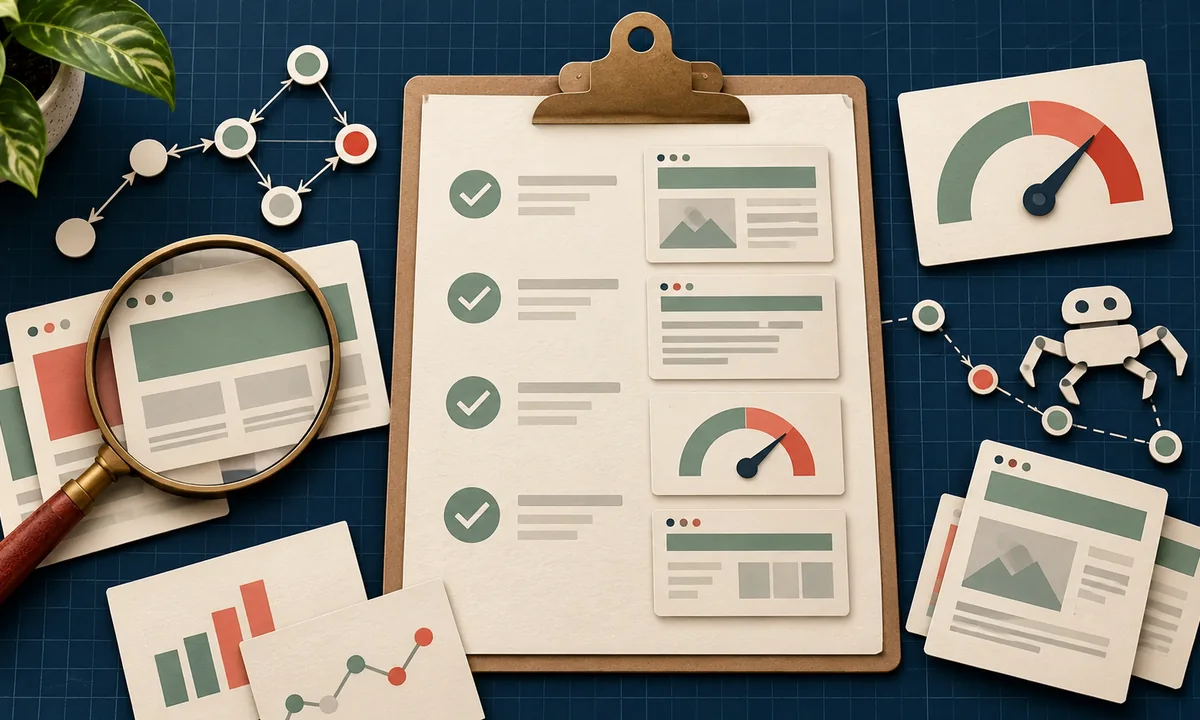
The starting checklist is short: one page purpose, one clear title, a crawlable link path, a correct canonical, mobile performance, and measurement. Get those right before buying another plugin or chasing a new tactic.