WordPress makes publishing easy. That is exactly why a content plan matters. Without one, the site fills with categories nobody owns, pages that overlap, and posts written because a calendar demanded something new.
Start with what a visitor needs to decide. Then make WordPress serve that structure.
Write the site brief before installing a theme
Use one sentence: “This site helps [specific audience] do [specific action] so they can [specific result].” Our website planning playbook walks through the broader decision. For a service firm, the action may be to request a consultation. For a publisher, it may be to find a trustworthy answer and subscribe.
List the essential pages: home, offers, proof, about, contact, and any legally necessary information. Then list the first ten customer questions worth answering as posts. Each page needs an owner, an intended audience, a primary question, and a next step. If you cannot state those four things, do not add it to the menu yet.
The platform is popular, but popularity is not a content strategy. The 2025 HTTP Archive CMS study found WordPress powered about 64% of CMS-driven mobile sites in its dataset. That scale tells you the tooling and support ecosystem is broad. It does not make an unplanned site useful.
Choose page types that match the work
Use Pages for durable information such as Services, About, and Contact. Use Posts for dated articles or recurring editorial updates. Decide what categories mean before publishing: broad topics people can navigate, not a separate category for every idea. Tags should add a real cross-cutting route; otherwise skip them.
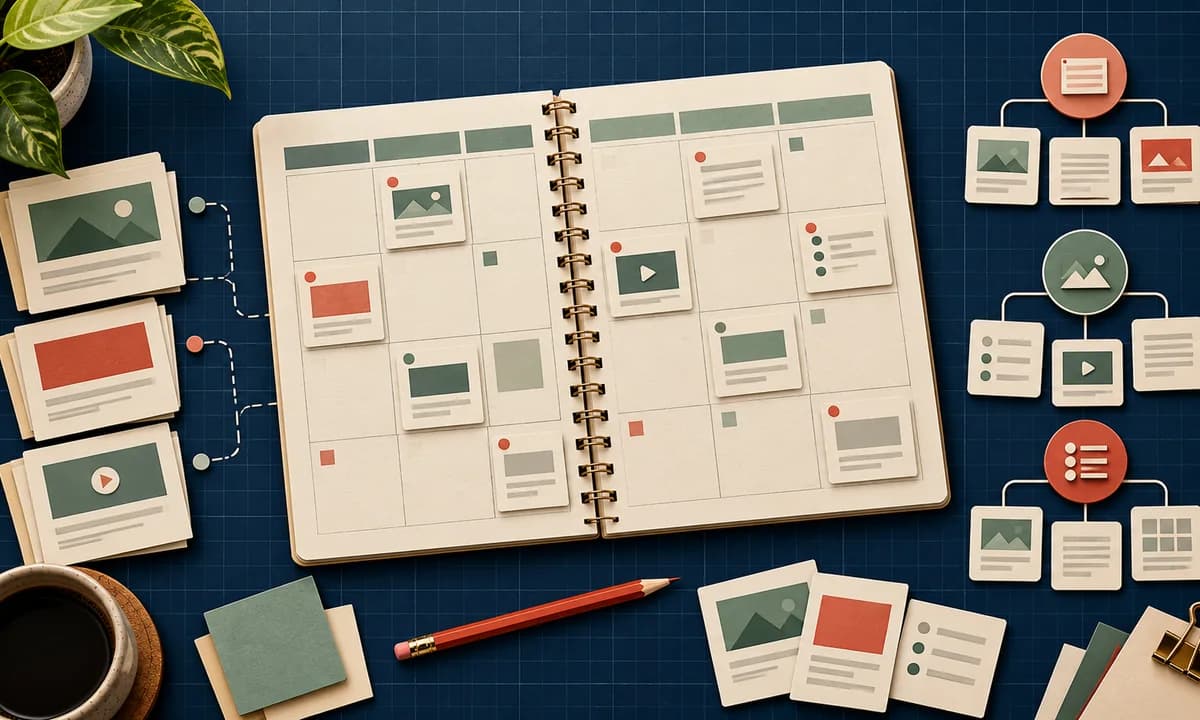
Create a simple content inventory with columns for URL, page type, owner, target question, status, last review date, and primary call to action. This becomes the editorial queue and prevents three writers from producing different versions of the same answer. Our navigation guide helps turn the inventory into a clear menu.
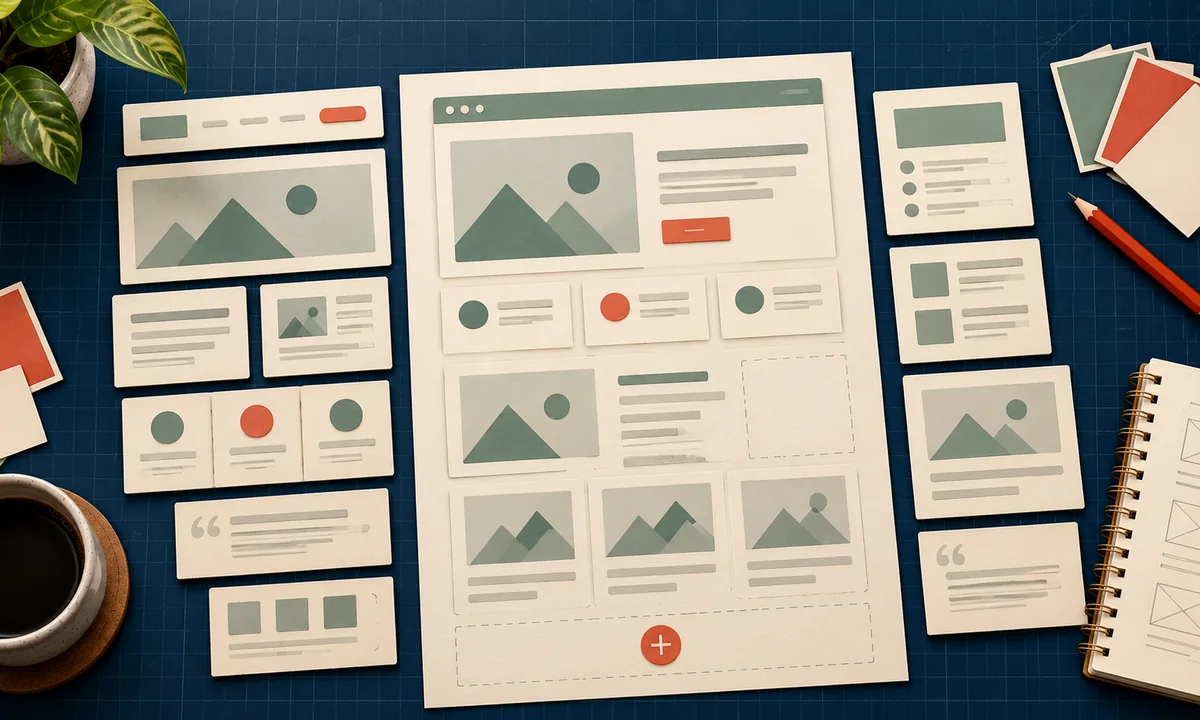
Plan templates around content, too. A service page may need a promise, process, proof, FAQ, and contact action. A tutorial needs a concise answer, prerequisites, steps, screenshots, failure points, and sources. If your templates cannot hold the evidence your audience needs, revisit the design. Our custom theme planning guide starts from these content patterns.
Make editorial quality repeatable
For every post, record the question answered, what the reader can do afterward, the original sources used, and who reviewed the facts. Separate an observed result from an estimate. Link to related site pages where the reader would naturally go next, such as a WordPress ecommerce product-page guide from a store setup article.
Structure matters for humans as much as search. The 2026 WebAIM Million study found skipped heading levels on 41.8% of home pages it checked. That study does not measure WordPress specifically. It is a reminder to use a logical heading outline and inspect the rendered page, especially when a theme or page builder inserts headings automatically.
Build a pre-publish checklist: accurate title, one main heading, meaningful subheadings, descriptive links, alt text where images carry information, source links, mobile preview, and a working contact route. WordPress's block editor documentation describes the editing controls; the checklist decides how your team uses them.
Plan maintenance from day one
HTTP Archive reported that only about 45% of WordPress mobile sites in its 2025 sample passed all Core Web Vitals. This does not mean WordPress is inherently slow; hosting, theme, media, plugins, and content choices all contribute. Set image rules and a plugin review habit before the library grows.
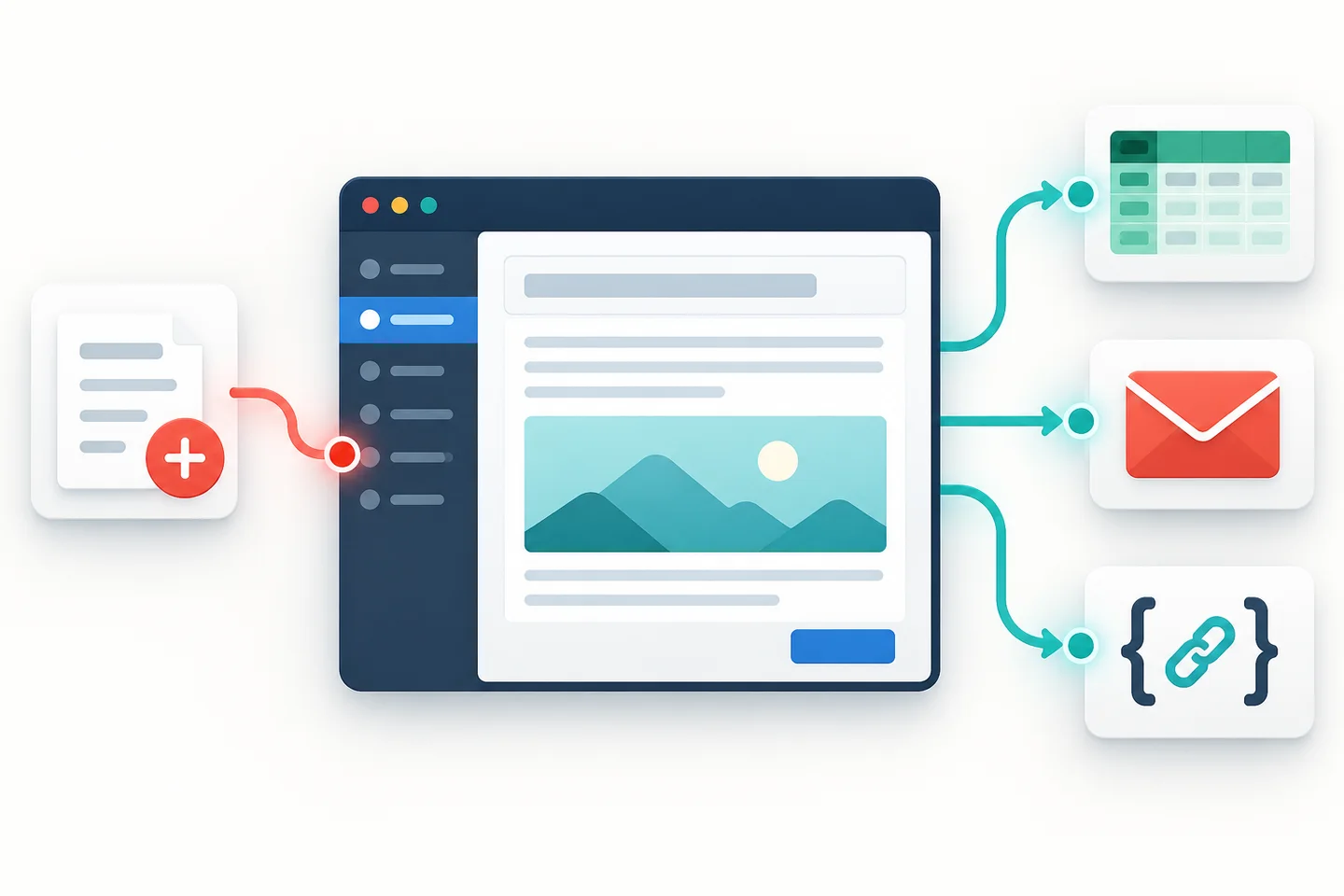
Assign a review interval by content type. Prices and policies may need frequent checks. Evergreen tutorials can be reviewed every quarter or after a major product change. Remove broken references, update screenshots, and record the revision date. Use WordPress automation for notifications or logging only after the manual workflow is clear.
Give old content a decision, too. Keep and improve a page if it still serves an active question. Merge it if a newer page answers the same question better. Redirect it when the URL changes, and retire it when the underlying service no longer exists. A clean archive is easier to navigate than a pile of forgotten posts.
The useful launch target is modest: a small number of complete pages, a focused set of articles, and a repeatable publishing process. WordPress can hold thousands of pages. You only need the next right ones.