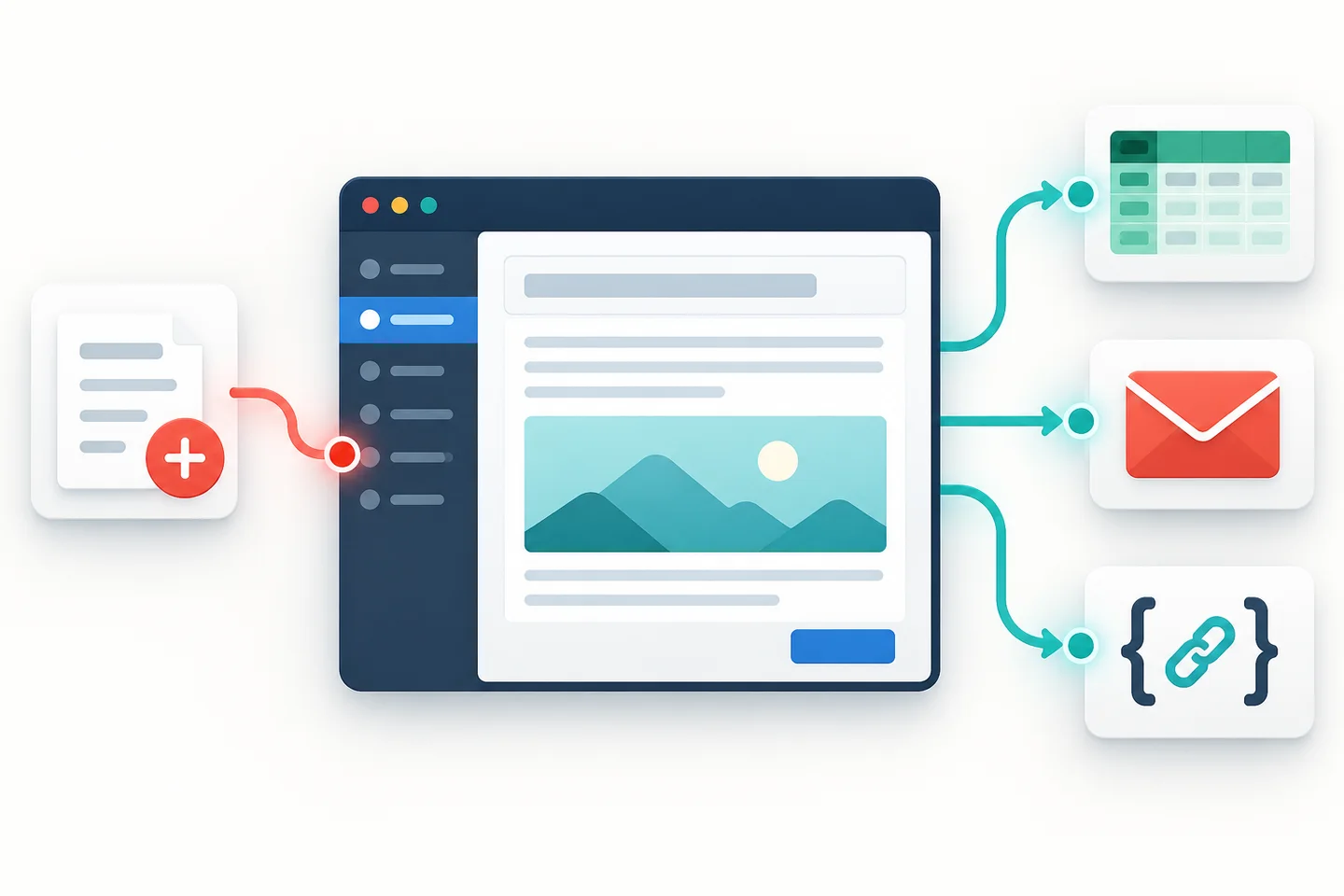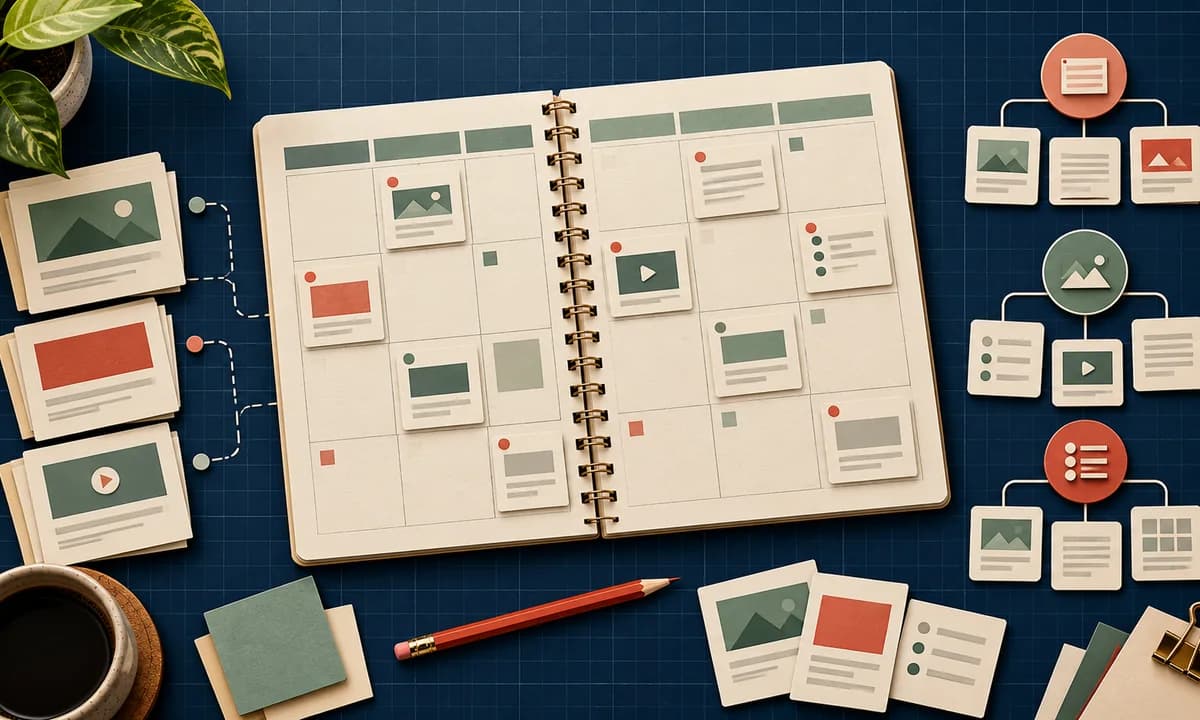
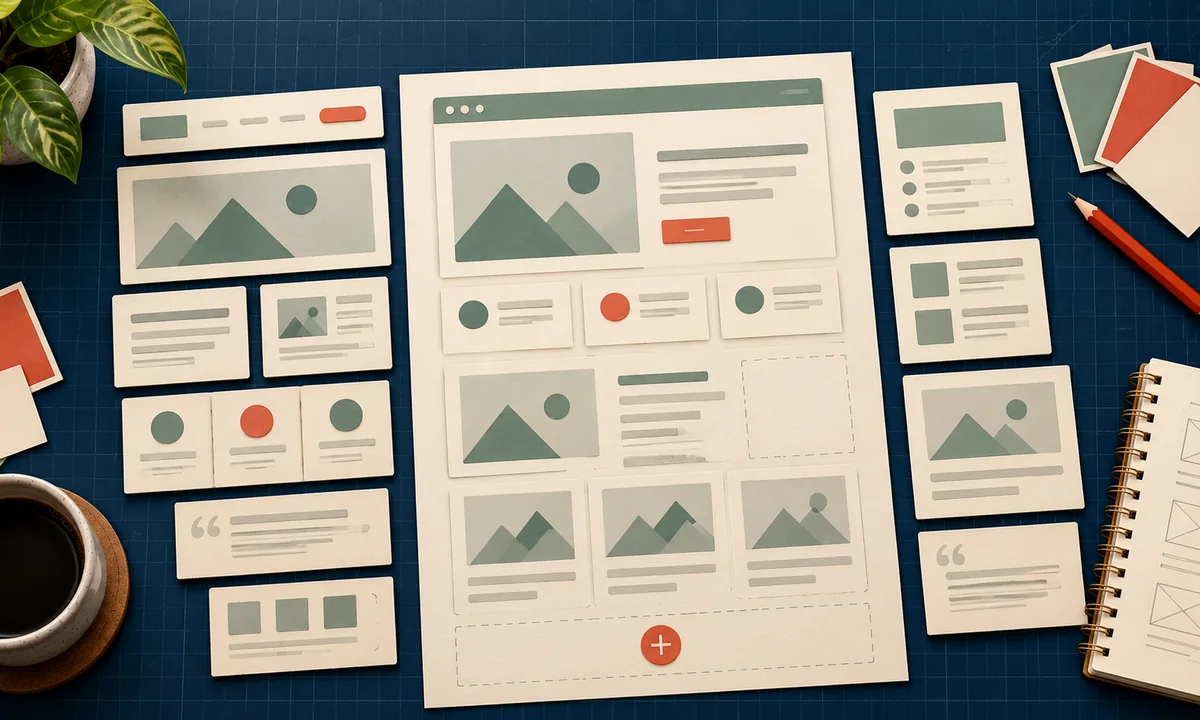
A custom WordPress theme is worth building when it helps a team publish the right content consistently. “We want something unique” is not enough of a brief. Unique layouts can still hide the offer, slow the site, and make every edit a developer request.
Start with content models. Then choose the visual system that supports them.
Audit the pages you actually need
Before opening a design tool, collect real examples: a service page, a case study, a long article, a category archive, a product page if you sell, and a contact page. For each, mark required fields, optional sections, proof assets, calls to action, and what changes most often.
If every service page needs pricing context, testimonials, and a process, make those sections easy to enter and maintain. If only one page needs an unusual animation, do not make it a global template. Our WordPress content plan gives you the inventory to start from, while the navigation guide shows how the pages connect.
The platform allows several approaches. WordPress block themes let editors work with templates, template parts, styles, and blocks in the Site Editor. Classic themes use PHP templates and a different editing model. Choose based on the team's actual editing tasks and the site's integrations, not on which approach sounds newer.
Turn the content audit into a theme brief
Write down which elements are global: typography, spacing, colors, buttons, header, footer, and content width. Then identify the page patterns that need a dedicated template. A case study might need the problem, intervention, result, measurement window, and client approval status. An article might need citations, updated date, related reading, and a table of contents.
Specify what editors can change without code and what should remain locked for consistency. Preview the hardest page, not only the homepage. If the longest title, widest table, and most complex image work on mobile, the simple pages will be easier to handle.
The WordPress Theme Handbook documents how block templates are organized and how template parts are reused. Use the official structure as a starting point, then add only the variants your content inventory proves you need.
Protect speed and accessibility in the brief
The 2025 HTTP Archive CMS analysis found that about 45% of WordPress mobile sites in its dataset passed all Core Web Vitals. It also found Elementor on roughly 43% of mobile WordPress sites and the Block Editor on about 18%. These are ecosystem observations, not a head-to-head test proving one builder causes a specific speed result. They do show why your theme brief should budget for scripts, fonts, images, and editor output.
Set targets before development: a clear largest contentful element, reserved image dimensions, minimal third-party scripts, and readable typography. The Core Web Vitals guide defines “good” as Largest Contentful Paint at or below 2.5 seconds, Interaction to Next Paint at or below 200 milliseconds, and Cumulative Layout Shift at or below 0.1. Measure real pages, not only an empty demo.
Accessibility belongs in acceptance criteria too. WebAIM's 2026 million-homepage audit found detectable WCAG failures on 95.9% of pages it tested. Automated checks miss some barriers, so pair them with keyboard use, focus review, contrast checks, meaningful link text, and a screen reader pass on core templates.
Test the editing experience
Ask a real editor to create a service page and update an existing article. Watch for duplicated fields, confusing block choices, image crops, and formatting that breaks when content gets longer. If publishing requires a developer to fix ordinary copy changes, the theme has missed its job.
Then test search and conversion routes. Can a visitor move from the article to a relevant service? Does a store product page show the information required to buy? Our product-page structure guide is a useful stress test for ecommerce templates.
Include handover in the scope. The team should receive a template inventory, instructions for common edits, a list of intentionally fixed elements, and a staging workflow for larger changes. Review what happens after a WordPress update or a plugin conflict. A theme that only its original developer can safely maintain creates a hidden cost every month.
The deliverable is not a collection of pretty screenshots. It is a small system of templates, clear editor controls, measured performance, and pages that can grow without losing their shape.